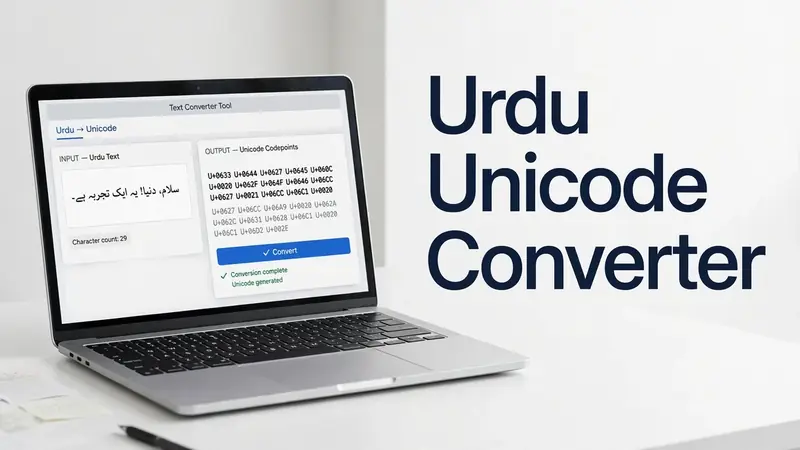
Urdu Unicode Converter
🔄 Try It: Urdu Digits Converter & Unicode Inspector
Type or paste text below, then convert Urdu/English digits or inspect the Unicode code of each character:
Working with different Urdu text formats can be frustrating. Our Urdu Unicode Converter makes the process simple and fast. It converts text between Unicode and legacy formats while keeping your content readable and ready to use. Whether you need a Unicode to Urdu Converter, an Urdu Unicode Text Converter, or an Online Urdu Unicode Converter, this tool delivers accurate results in seconds.
Just paste your text, convert it, and copy the output with one click. The converted Unicode text works across websites, documents, emails, and messaging apps that support UTF-8 and the Unicode Standard. This helps preserve the correct Urdu script and improves compatibility across modern platforms. Our browser-based tool requires no installation, making character encoding conversion quick, secure, and convenient whenever you need it.
What Is an Urdu Unicode Converter?
An Urdu Unicode Converter is a tool that changes Urdu text between different encoding formats while keeping the content readable and accurate. It helps users convert legacy Urdu text into modern Unicode format or prepare Unicode text for systems that use older encoding methods. The goal is simple. Your text stays usable across different platforms without losing its original meaning.
A reliable Unicode Converter Urdu supports accurate text conversion by preserving Urdu words, punctuation, and Unicode characters. This improves Unicode compatibility across websites, documents, email clients, and messaging applications. The converted Unicode text also works with most modern operating systems and browsers that support UTF-8 encoding.
An Urdu Text Converter is useful for students, professionals, publishers, developers, and anyone who works with digital Urdu content. Instead of editing text manually, users can convert it in seconds and continue their work without interruption. This saves time and reduces formatting errors.
Modern converters follow the Unicode Standard, which helps display the Urdu script consistently across compatible devices and applications. For technical guidance on Unicode encoding and text standards, the Unicode Consortium provides the official specifications that software developers and platforms follow.
Convert Urdu Text Between Unicode and Legacy Formats
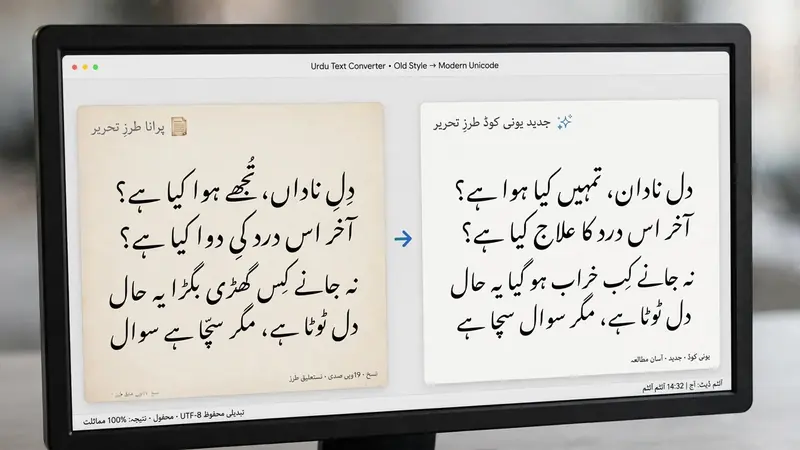
Our Urdu Unicode Converter supports fast and accurate conversion between modern Unicode and older Urdu text formats. Whether you need a Unicode to InPage Converter or an InPage to Unicode Converter, the tool helps you switch formats without changing the meaning of your content.
When converting Unicode to Legacy, the tool transforms modern Unicode text into a format that works with software using older character encoding. This helps when you need compatibility with legacy documents or workflows.
When converting Legacy to Unicode, the tool changes older encoded text into standard Unicode. The converted output becomes easier to share, search, edit, and display across modern websites, applications, and devices.
The built-in Copy & Paste feature makes the process even faster. Simply paste your text into the input box, run the conversion, and copy the result instantly. You can also edit the converted text before using it elsewhere.
The converter performs accurate character mapping during every conversion. This helps preserve Urdu words, punctuation, and formatting as much as possible. Reliable text processing and Unicode compliance reduce common conversion issues and improve compatibility with supported applications. Whether you use InPage or another legacy system, this Urdu Encoding Converter provides a practical Unicode Converter Tool for everyday Urdu text conversion.
How to Use the Urdu Unicode Converter
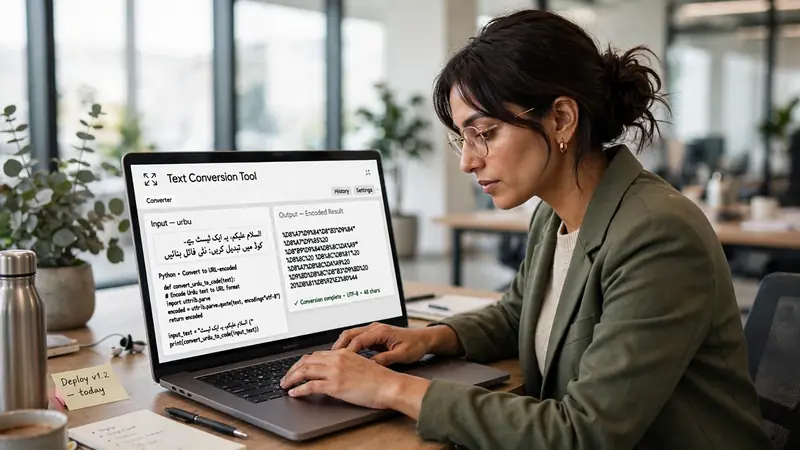
Using our Online Urdu Unicode Converter takes only a few simple steps. The browser-based interface works on most modern devices, so you can convert text without installing extra software.
First, paste your Urdu text into the input box. The tool accepts Unicode and supported legacy text for quick text conversion.
Next, click the Convert button. The converter processes the text using the selected input method and prepares the output within seconds.
After the conversion finishes, review the result in the output area. If needed, edit the converted text before using it. This helps you make small corrections or adjust the content for your specific purpose.
Once you are satisfied, click Copy to place the converted Unicode text on your clipboard. You can then paste it into documents, websites, emails, or messaging apps.
If you want to start a new conversion, use the Clear button to remove both the input and output text. This simple Urdu Unicode Copy Paste workflow makes the tool easy to use in any web browser while keeping every conversion fast and convenient.
Key Features of the Urdu Unicode Converter
Our Urdu Unicode Converter includes practical features that make Urdu text conversion fast and convenient. Every feature focuses on accuracy, ease of use, and a smooth user experience.
The tool provides instant conversion, so you can convert Urdu text in seconds. It supports modern Unicode compatibility, helping your content display correctly across supported platforms. After conversion, you can copy the result with a single click and use it wherever you need.
The output remains editable, allowing you to review or update the converted text before sharing it. As a browser-based Unicode Conversion Tool, it runs directly in your web browser. You do not need to download or install additional software.
Our Urdu Converter Online also offers excellent cross-platform compatibility. It works on desktop computers, laptops, tablets, and smartphones. Whether you use Windows, macOS, Android, or iPhone, you can access the converter from a compatible browser. The converted text follows Unicode standards, making it easier to create searchable text for websites, documents, emails, and other digital content. These features help users complete Urdu text conversion quickly while maintaining reliable Unicode support.
Compatibility Across Devices and Applications
The converted Unicode Compatible Text works across many devices and everyday applications. This makes sharing and reusing Urdu content much easier.
You can use the converted text on websites, blogs, and online forms without changing its format. It also works well in documents, presentations, and spreadsheets that support Unicode. You can paste the same text into email, messaging apps, and social media platforms without repeating the conversion.
The tool delivers strong cross-platform compatibility, allowing your digital text to remain readable on different operating systems and browsers. It supports popular platforms such as Windows and Android, while also working smoothly in modern browsers like Chrome, Firefox, Microsoft Edge, and Safari. This broad compatibility helps you use the same converted Urdu text across personal, educational, and professional tasks with confidence.
Common Urdu Unicode Conversion Problems
Most Urdu text converts correctly, but some files may produce unexpected results. Understanding common issues helps you complete the conversion more successfully.
Broken characters often appear when the source text uses an unsupported or incorrect character encoding. The converter can only process the information available in the original text.
Missing symbols may occur if certain characters are unavailable or incorrectly mapped in the source content. Checking the original text before conversion can help reduce these issues.
Wrong encoding is another common problem. If text was saved using a different encoding instead of UTF-8 or another supported format, the output may not display correctly.
Some users also experience copy-paste issues. Hidden spaces, special characters, or incomplete text selection can affect the final result. Pasting clean text usually improves accuracy.
Another challenge involves unsupported legacy text. Older documents may use proprietary encoding methods that require proper text processing before conversion.
Our Urdu Unicode Converter follows the Unicode Standard to improve Unicode compatibility and preserve Unicode characters whenever possible. For the best results, use complete source text and verify the converted Unicode text before publishing or sharing it.
Frequently Asked Questions
1. What is an Urdu Unicode Converter?
It converts Urdu text between Unicode and supported legacy formats.
2. Is this converter free?
Yes. You can use the Online Urdu Unicode Converter without paying.
3. Can I convert Unicode to Legacy?
Yes. The tool supports Unicode to supported legacy conversion.
4. Can I convert Legacy to Unicode?
Yes. It converts compatible legacy text into Unicode.
5. Does it work online?
Yes. This Unicode Conversion Tool runs directly in your browser.
6. Is installation required?
No. You can use it without downloading software.
7. Can I use it on mobile?
Yes. It works on most smartphones and tablets.
8. Can I copy converted text?
Yes. Copy the result with one click.
9. Does it support UTF-8?
Yes. The converter supports Unicode text compatible with UTF-8.
10. Why is my converted text incorrect?
The source text may use unsupported or incorrect encoding.
11. Is my text stored?
No permanent storage is required for normal browser-based use.
12. Which browsers are supported?
Most modern browsers, including Chrome, Firefox, Edge, and Safari.
Conclusion
Our Urdu Unicode Converter makes Urdu text conversion simple, accurate, and fast. Whether you need a Unicode to Urdu Converter or an Online Urdu Unicode Converter, the tool helps you convert compatible text with just a few clicks. Paste your content, convert it instantly, review the output, and copy the results wherever you need them. Start using the tool today to save time, improve compatibility, and make your Urdu text ready for websites, documents, emails, and other digital platforms.
Related Guides
- Urdu Unicode – What It Is, Purpose, Benefits, and Why It Matters
- Urdu Font Converter
- Urdu Fonts: Complete Guide to Types, Unicode, Nastaliq & Best Fonts
Try our free Urdu Keyboard tool to type Urdu online instantly.