
Urdu Copy and Paste
📋 Try It: Click to Copy Urdu Phrases
Click any phrase below to copy it instantly, then paste it anywhere — WhatsApp, Facebook, or documents:
✓ Copied! Now paste it anywhere with Ctrl+V.
Urdu Copy and Paste gives you ready-to-use Urdu text for everyday communication. Copy any Urdu text with one click and paste it anywhere. It works smoothly on social media, messaging apps, websites, and modern browsers. Unicode support keeps every character clear and readable across devices. Save time and share Urdu text without formatting problems.
Introduction
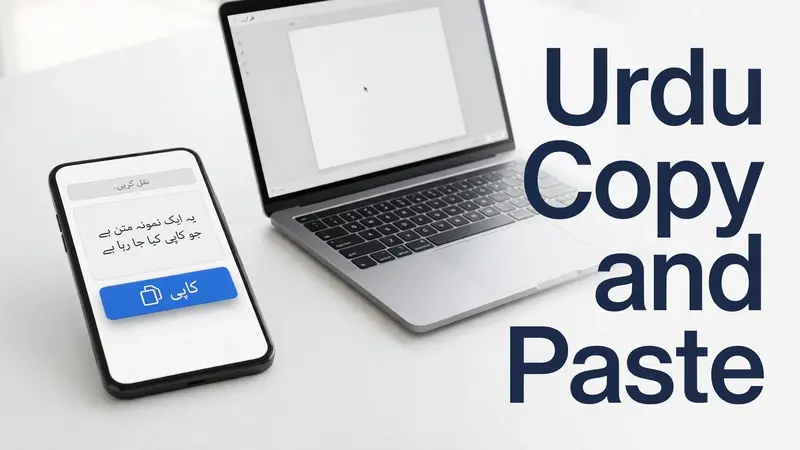
Urdu Copy and Paste lets you use ready-made Urdu text without typing it yourself. Select the text, copy it to your clipboard, and paste it wherever you need. The process is fast, simple, and works on both mobile and desktop devices.
People search for Urdu Text Copy and Paste to share quotes, poetry, captions, messages, and status updates. They want text that stays clear after pasting. Unicode makes this possible by keeping Urdu characters consistent across different apps and platforms. The Unicode Standard defines a universal way to represent text, helping characters display correctly across operating systems and software.
You can Copy Urdu Text and Paste Urdu Text into WhatsApp, Facebook, Instagram, Telegram, emails, documents, and any modern browser. The clipboard stores your copied text until you paste it. This simple process saves time and delivers a smooth, reliable experience every day.
What Is Urdu Copy and Paste?
Urdu Copy and Paste means using ready-made Urdu text that you can copy and paste anywhere. You do not need to type each word yourself. Select the text, copy it to the clipboard, and paste it into your favorite app or website.
Most websites use Unicode text to display the Urdu language correctly. Unicode assigns a unique code to every character. This standard helps Urdu text appear the same across different devices and software. The Unicode Consortium developed this system, and it powers text on modern operating systems, browsers, and apps.
Unicode also prevents common formatting problems. The text keeps its original characters instead of turning into unreadable symbols or boxes. This makes sharing Urdu content simple and reliable.
When you copy text, the clipboard stores it until you paste text into another location. Most platforms also support UTF-8, a widely used Unicode encoding. UTF-8 preserves Urdu characters while keeping files compatible with websites, messaging apps, and documents.
As a result, the Urdu script stays clear and readable on smartphones, tablets, laptops, and desktop computers. You can confidently share Urdu text on WhatsApp, Facebook, Instagram, Telegram, emails, documents, and modern browsers without losing its original appearance.
How to Copy and Paste Urdu Text
Copying and pasting Urdu text takes only a few seconds. Follow these simple steps to keep your text clear and readable on every device.
Copy Urdu Text
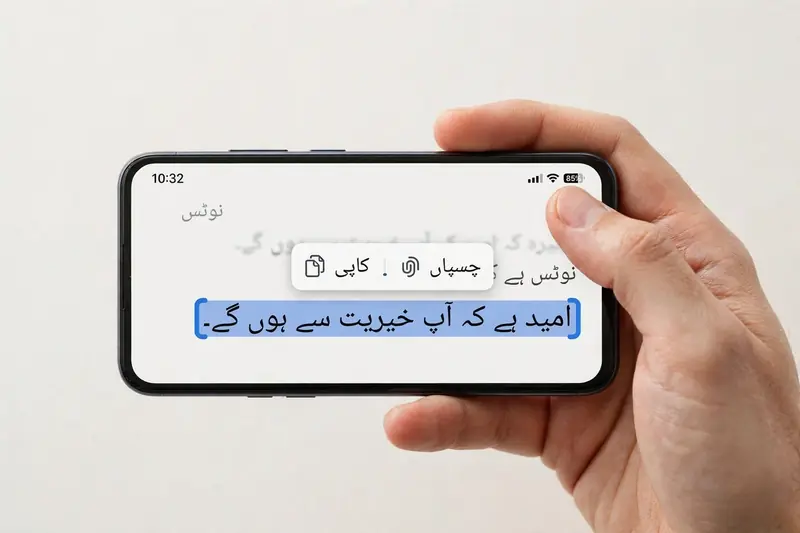
Select the Urdu text you want to use. Click the Copy button if the page provides one. On a desktop or laptop, press Ctrl + C after selecting the text. On a mobile device, tap and hold the text, then choose Copy. The clipboard stores the copied text until you use it.
Paste Urdu Text
Open the app, document, or website where you want to add the text. Click the text area and press Ctrl + V on a desktop. On a mobile device, tap and hold the text field, then select Paste. The clipboard inserts your copied Urdu text instantly into the new location.
Verify Formatting
Check the pasted text before sharing it. Unicode keeps Urdu characters readable across different devices and platforms. Most modern browsers and apps support Unicode and compatible fonts. This support prevents broken characters and preserves the original appearance on both mobile and desktop devices.
Where You Can Use Urdu Copy and Paste
Urdu Copy and Paste works across many digital platforms. Unicode support helps your text stay readable wherever you share it. You can use the same text without making extra changes.
Social Media
Share Urdu quotes, captions, or status updates on Facebook, Instagram, TikTok, and X. Unicode preserves the Urdu script, so your audience sees clear and readable text. This makes every post look clean and professional.
Messaging Apps
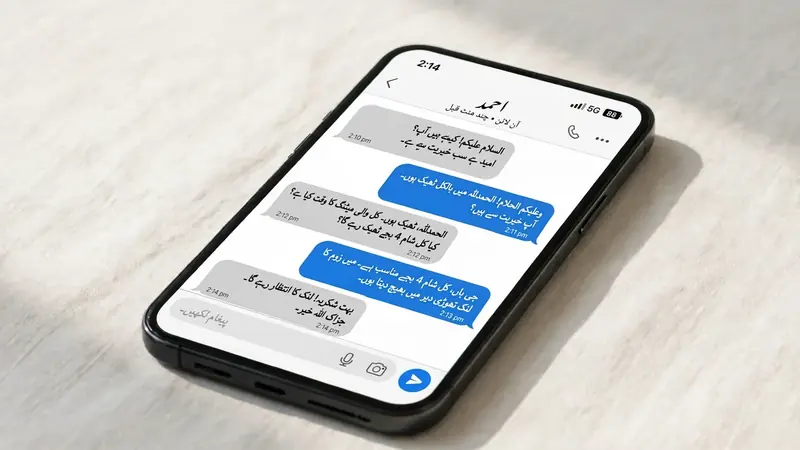
Send Urdu messages through WhatsApp, Messenger, and Telegram. Copy the text once and paste it into any chat. Your friends, family, or colleagues can read it without formatting issues because these apps support Unicode.
Emails and Documents
Use Urdu text in emails, personal notes, school assignments, and office documents. Unicode helps maintain the correct script in most email services and document editors. This saves time and keeps your writing consistent.
Websites and Blogs
Paste Urdu text into website content, blog comments, discussion forums, or online communities. Most modern browsers support Unicode, making Urdu text easy to read across different websites. Always preview your content before publishing to confirm the formatting looks correct.
Benefits of Using Unicode Urdu Text
Unicode makes Urdu Copy and Paste simple and reliable. It gives every Urdu character a unique code. This standard keeps your text consistent across different devices and platforms.
One of the biggest benefits is universal compatibility. Unicode works with modern operating systems, websites, and mobile apps. Most platforms also use UTF-8, a standard character encoding that supports Unicode. This combination helps Urdu text display correctly without extra settings.
Unicode also improves font compatibility. Most modern devices include fonts that support the Urdu script. You do not need to install special fonts before sharing or reading Urdu text.
Another advantage is easy sharing. You can copy text once and paste it into social media posts, messages, emails, or documents. The text stays readable because modern apps and browser support Unicode by default.
Unicode also supports accessibility. Screen readers and assistive technologies can process Unicode text more accurately than image-based content. Search engines can also read Unicode text, making it easier to index pages and understand their content. The Unicode Consortium and the World Wide Web Consortium (W3C) recommend Unicode and UTF-8 for consistent multilingual content on the web.
Common Uses of Urdu Copy and Paste
People use Urdu Copy and Paste for many daily tasks. Ready-made text saves time and keeps formatting consistent across platforms.
Many users search for Urdu Quotes Copy and Paste to share motivational, Islamic, friendship, or life quotes on social media. Others prefer Urdu Poetry Copy and Paste for classic and modern poetry that they can post without editing.
Urdu Shayari Copy Paste remains popular among readers who enjoy romantic, emotional, or inspirational verses. These collections work well on messaging apps and social platforms.
Many people also use Urdu Status Copy Paste for WhatsApp, Facebook, and Instagram updates. Short, meaningful status lines help express thoughts in a simple way.
Content creators often look for Urdu Caption Copy Paste when writing posts or sharing photos. A strong caption increases engagement and adds personality to every post.
Students, professionals, and social media users also use ready-made Urdu messages and wishes for birthdays, Eid, Ramadan, anniversaries, and other special occasions. Others choose Urdu Bio Copy Paste to create attractive profiles for Instagram, Facebook, or other online platforms.
Tips for Copying Urdu Text Without Formatting Issues
Always choose Unicode Urdu text from a reliable source. Unicode keeps the Urdu script consistent across different devices and applications.
Copy plain text instead of screenshots or images. Images cannot be pasted as editable text and may reduce accessibility. After copying, paste the text into your destination and review the output. This quick check helps you catch unexpected formatting changes.
Use an updated browser because modern browsers fully support Unicode and UTF-8. If the text looks different, try another Unicode-compatible font instead of changing the content itself. Most formatting problems come from unsupported fonts, not the text.
Finally, clear your clipboard before copying new content if you notice the wrong text appears after pasting. A quick review before publishing helps ensure your Urdu text remains clear, readable, and professional.
Frequently Asked Questions
Is Urdu Copy and Paste free?
Yes. Most websites offer Urdu Copy and Paste for free. You can copy Urdu text and use it in messages, social media posts, emails, or documents without paying. Always review the website’s terms if you plan to reuse copyrighted content.
Will copied Urdu text work on WhatsApp?
Yes. WhatsApp fully supports Unicode text. Copy the Urdu text to your clipboard, open a chat, and paste it into the message box. The text stays clear and readable on both Android and iPhone devices.
Does copied Urdu text work on Facebook and Instagram?
Yes. Facebook and Instagram support Unicode, so pasted Urdu text displays correctly in posts, captions, comments, and profile sections. Most modern browsers and mobile apps preserve the original formatting without extra changes.
Why do Urdu characters sometimes look different?
The text usually remains the same, but the font may change between devices or applications. Different platforms use different fonts to display the Urdu script. Unicode preserves the characters, while the selected font affects their appearance.
Can I use copied Urdu text in documents?
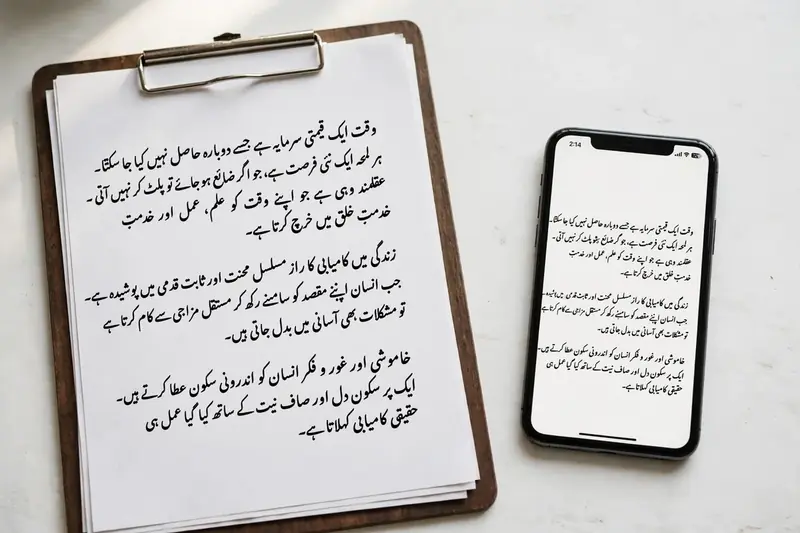
Yes. You can paste Unicode Urdu text into documents, presentations, notes, and emails. Most modern word processors support UTF-8 and Unicode, helping the text stay readable and consistent when you save or share your files.
Conclusion
Urdu Copy and Paste makes sharing Urdu content simple and efficient. Unicode keeps every character clear across devices, browsers, and applications. You can quickly copy text, paste it into social media, messaging apps, emails, or documents, and expect reliable results. This saves time and reduces formatting problems. Whether you need quotes, poetry, captions, messages, or status updates, Urdu Copy and Paste offers a fast, accessible, and dependable way to share Urdu text with confidence.
Related Guides
Try our free Urdu Keyboard tool to type Urdu online instantly.