
Best Urdu Keyboard Apps
🎯 Quiz: Find Your Perfect Urdu Keyboard App
Answer 3 quick questions and get a personalized recommendation:
Urdu keyboard apps make typing faster, easier, and more accurate on smartphones and tablets. They help students, professionals, writers, and everyday users communicate in Urdu across messages, emails, and social media. This guide compares the best Urdu keyboard apps using clear and unbiased criteria. We evaluate features, compatibility, privacy, user ratings, ease of use, and overall value to help you choose the right app for your needs.
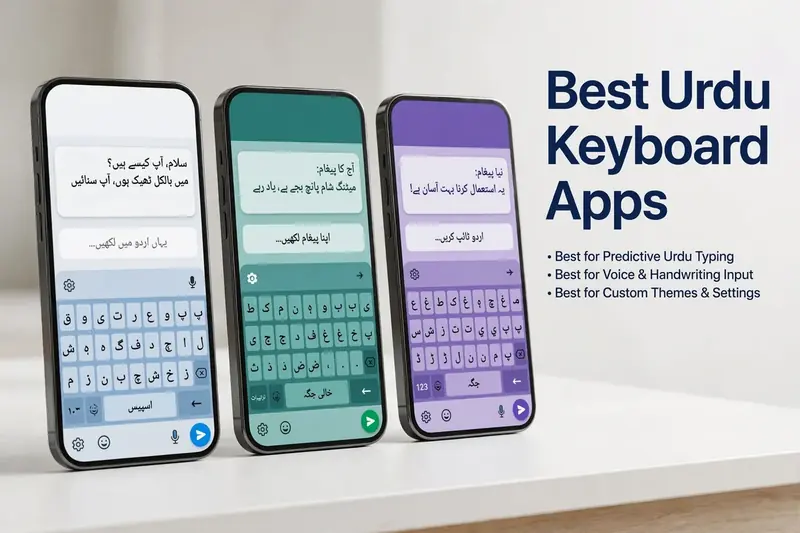
Quick Comparison Table of the Best Urdu Keyboard Apps
| App Name | Platform | Free/Paid | Offline Support | Privacy | Customization | Overall Rating | Best For |
|---|---|---|---|---|---|---|---|
| Gboard | Android, iOS | Free | Yes | Strong | High | ⭐⭐⭐⭐⭐ | Everyday users |
| Microsoft SwiftKey | Android, iOS | Free | Yes | Strong | High | ⭐⭐⭐⭐⭐ | Multilingual typing |
| Easy Urdu Keyboard | Android | Free | Yes | Good | Medium | ⭐⭐⭐⭐☆ | Beginners |
| Urdu Keyboard by Desh | Android | Free | Yes | Good | High | ⭐⭐⭐⭐☆ | Stylish typing |
| Apple Keyboard | iOS | Free | Yes | Excellent | Basic | ⭐⭐⭐⭐⭐ | iPhone users |
| Pak Urdu Installer | Android | Free | Yes | Good | Basic | ⭐⭐⭐⭐☆ | Traditional Urdu typing |
| Multiling O Keyboard | Android | Free | Yes | Good | High | ⭐⭐⭐⭐☆ | Advanced users |
The comparison below evaluates each app based on features, privacy, compatibility, customization, performance, and overall user experience.
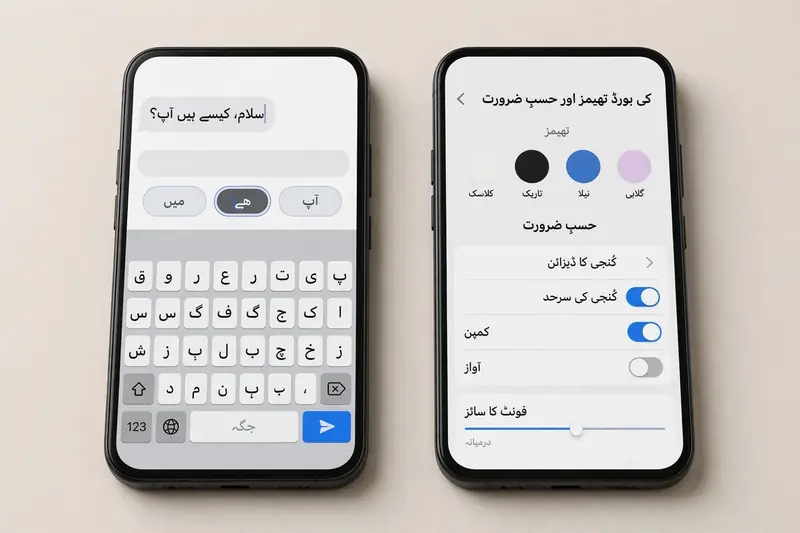
Top Urdu Keyboard Apps Compared
Gboard
Gboard stands out as the best Urdu keyboard app for most users. It combines speed, accuracy, and reliability in one package. Google regularly updates the app to improve performance and security. It supports Urdu alongside hundreds of other languages, making multilingual typing effortless. Useful features include predictive text, emoji suggestions, clipboard access, and customizable themes. The interface feels clean and responsive. However, some advanced features rely on internet connectivity, and privacy-conscious users may prefer reviewing Google’s data practices before enabling optional cloud-based features.
Microsoft SwiftKey
Microsoft SwiftKey is an excellent choice for users who type in multiple languages every day. Its AI-powered prediction engine learns your writing style and suggests words more accurately over time. Switching between Urdu and English feels smooth and natural. The app also offers customizable themes, layouts, and a built-in clipboard for added convenience. SwiftKey performs well on both Android and iPhone. Its learning features may require permission to analyze typing habits, so users should review privacy settings before enabling personalized suggestions.
Easy Urdu Keyboard
Easy Urdu Keyboard focuses on simplicity and ease of use. Its clean layout helps beginners type comfortably without a steep learning curve. The app includes attractive themes, emoji support, and a straightforward Urdu keyboard layout. It runs smoothly on most Android devices, including budget smartphones. While it offers fewer advanced features than larger competitors, it remains a reliable option for users who want a lightweight and user-friendly typing experience.
Urdu Keyboard by Desh
Urdu Keyboard by Desh delivers a smooth typing experience with plenty of personalization options. Users can choose from colorful themes, customize the keyboard layout, and switch languages quickly. The app provides responsive typing and useful word suggestions for everyday communication. It performs well on most Android devices and works offline for basic typing. Some users may notice occasional advertisements in the free version, but the overall experience remains fast and dependable.
Apple Keyboard (iPhone Users)
Apple Keyboard provides built-in Urdu support for iPhone and iPad users. It integrates seamlessly with iOS and delivers a familiar typing experience across Apple devices. The keyboard offers stable performance, excellent privacy protections, and smooth language switching. Users do not need a separate app for basic Urdu typing. However, customization options remain limited compared to third-party keyboards. Those seeking advanced themes or extra personalization may prefer dedicated alternatives available on the App Store.
Other Noteworthy Urdu Keyboard Apps
Several other apps also deserve attention. Pak Urdu Installer remains popular among users who prefer a traditional Urdu typing experience. Urdu Keyboard App offers essential features like emoji support, customizable layouts, and quick language switching for everyday communication. Multiling O Keyboard stands out for its flexibility, supporting many languages and extensive customization options. Although these apps may not match the popularity of Gboard or SwiftKey, they can meet specific typing preferences. Compare their features, privacy practices, and compatibility before choosing the one that best fits your needs.
Features Comparison
Choosing the best Urdu keyboard app depends on the features that matter most to you. Here is how leading apps compare.
Typing Accuracy
Top apps deliver accurate Urdu typing with well-designed keyboard layouts. They reduce typing errors and improve writing speed.
Auto Correction
Auto correction fixes common spelling mistakes as you type. Gboard and Microsoft SwiftKey provide reliable corrections for everyday Urdu and English typing.
Predictive Text
Predictive text suggests words based on your typing habits. This feature saves time and helps users complete sentences faster.
Keyboard Themes
Most apps offer colorful themes, dark mode, and layout customization. These options improve comfort and create a more personalized typing experience.
Emoji Support
Built-in emoji support lets users express emotions without switching keyboards. Many apps also include stickers and GIF suggestions.
Multilingual Support
Leading keyboards support Urdu alongside English, Arabic, Hindi, Punjabi, and many other languages. Users can switch languages with a single tap.
Offline Usage
Most Urdu keyboard apps work offline for standard typing. This feature protects productivity when internet access is unavailable.
Performance
The best apps respond quickly and consume minimal device resources. Smooth performance reduces typing delays and delivers a better user experience across different devices.
Pros and Cons of Urdu Keyboard Apps
Every Urdu keyboard app offers unique benefits and a few trade-offs. Understanding both helps you choose the right option.
Advantages
Urdu keyboard apps increase typing speed and reduce manual effort. They make conversations smoother across WhatsApp, email, and social media. Students, professionals, and content creators can write more efficiently. Many apps also support personalized themes, multiple languages, and customizable layouts. These features improve comfort and match different typing preferences.
Limitations
Some apps request permissions to enhance predictions and personalization. Users should always review privacy policies before granting access. Free versions may display advertisements that interrupt the typing experience. Certain premium features require a paid upgrade. Older smartphones may not support every feature or deliver the same level of performance as newer devices.
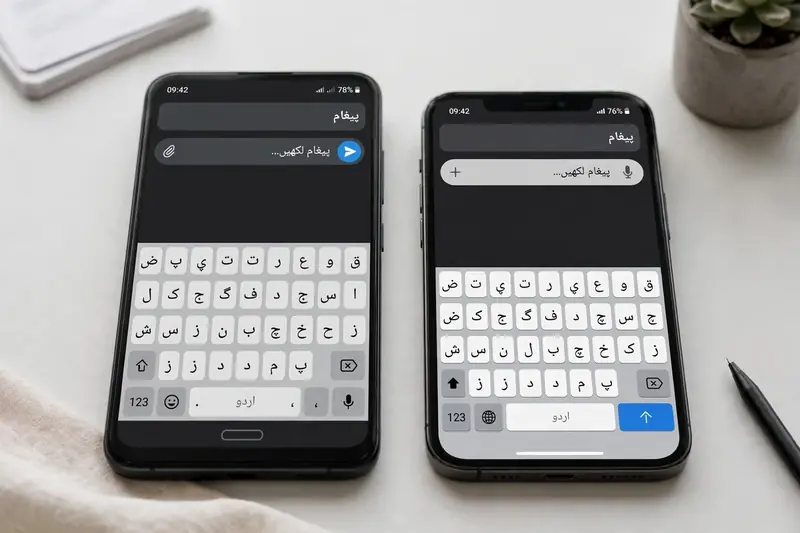
Device Compatibility
Most modern Urdu keyboard apps support a wide range of devices, making Urdu typing accessible for almost everyone.
Android
Android users enjoy the largest selection of Urdu keyboard apps. Most apps support recent Android versions and many budget smartphones.
iPhone (iOS)
iPhone and iPad users can choose Apple’s built-in Urdu keyboard or trusted third-party alternatives like Gboard and Microsoft SwiftKey.
Tablets
Most leading keyboard apps work smoothly on Android tablets and iPads. Larger screens provide a more comfortable typing experience.
Older Devices
Lightweight keyboard apps perform better on older devices with limited memory. Before installing any app, check the supported operating system version to ensure smooth performance.
Privacy and Security Comparison
Privacy should be a top priority when choosing an Urdu keyboard app. Keyboards can access what you type, so selecting a trusted app matters.
Permissions
Most keyboard apps request permissions for features like clipboard access, microphone use, or theme downloads. Grant only the permissions you need.
Data Collection
Trusted developers clearly explain what data they collect and why. Before using any keyboard, review its privacy policy to understand how your information is handled.
Offline Typing
Many Urdu keyboard apps support offline typing. This reduces reliance on internet connectivity and can limit unnecessary data sharing during everyday use.
Cloud Synchronization
Some apps use cloud synchronization to back up your personal dictionary and improve word predictions across devices. Enable this feature only if it matches your privacy preferences.
Privacy Policies
Well-known developers, such as Google, Microsoft, and Apple, publish detailed privacy policies and regularly update their security practices. Reading these policies helps you make an informed decision.
Trustworthiness
Choose keyboard apps from reputable developers with a proven history of regular updates and positive user feedback. Official apps available through trusted app stores generally provide stronger security and long-term reliability than unknown alternatives.
References: Google Safety Center, Apple Privacy, Microsoft Privacy Statement.
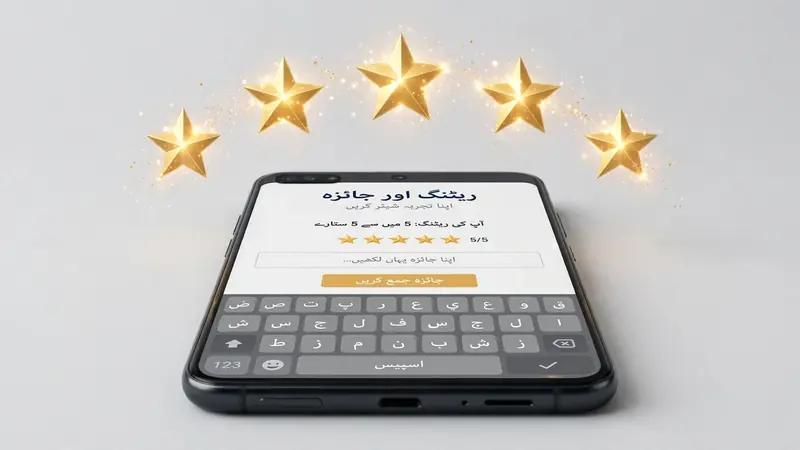
Ratings and User Feedback
User ratings offer valuable insights into an app’s real-world performance. Leading Urdu keyboard apps like Gboard, Microsoft SwiftKey, and Apple Keyboard consistently receive high ratings on the Google Play Store and Apple App Store. Users often praise their typing accuracy, speed, language support, and overall reliability. Easy Urdu Keyboard and Urdu Keyboard by Desh also earn positive reviews for their simple layouts and customization features. Common complaints include occasional advertisements, limited premium features, and compatibility issues on older devices. Before choosing an app, read recent user reviews instead of relying only on the overall rating. Regular updates, responsive developers, and consistent positive feedback are strong indicators of a reliable and trustworthy Urdu keyboard app.
Which Urdu Keyboard App Should You Choose?
The right Urdu keyboard app depends on your daily needs and device. Beginners will appreciate Easy Urdu Keyboard for its simple layout and ease of use. Students can rely on Gboard for accurate typing and multilingual support. Professionals may prefer Microsoft SwiftKey because of its smart predictions and productivity features. Business users benefit from SwiftKey’s efficient text suggestions and smooth language switching. Social media users often enjoy Gboard for its emoji support, GIF integration, and customization options. iPhone users can choose Apple’s built-in Keyboard for excellent privacy or install Gboard or SwiftKey for additional features. Compare privacy, compatibility, and usability before making your final decision.
Frequently Asked Questions (FAQ)
Which is the best Urdu keyboard app?
Gboard is the best overall choice for most users because it offers accurate typing, reliable performance, strong security, and excellent multilingual support.
Is Gboard good for Urdu typing?
Yes. Gboard supports Urdu typing with predictive text, auto correction, and a smooth typing experience on Android and iPhone.
Which Urdu keyboard is safest?
Apple Keyboard, Gboard, and Microsoft SwiftKey are among the safest options. They come from trusted companies that publish clear privacy policies and provide regular security updates.
Which app works offline?
Most leading Urdu keyboard apps, including Gboard, SwiftKey, Easy Urdu Keyboard, and Apple Keyboard, support offline typing for everyday use.
Which Urdu keyboard supports Android and iPhone?
Gboard and Microsoft SwiftKey work on both Android and iPhone. Apple Keyboard is available only on iOS devices.
Are Urdu keyboard apps free?
Yes. Most Urdu keyboard apps are free to download. Some offer optional premium features or remove advertisements through paid upgrades.
Final Verdict
The best Urdu keyboard app depends on your preferences, device, and typing habits. Gboard offers the best overall balance of features, while Microsoft SwiftKey excels in multilingual typing and personalization. Easy Urdu Keyboard suits beginners, and Apple Keyboard works well for iPhone users. Always compare privacy practices, compatibility, and user reviews before choosing an app. A trusted keyboard improves your typing experience while helping protect your personal information.
Related Guides
Try our free Urdu Keyboard tool to type Urdu online instantly.